Press Two Keys at Once
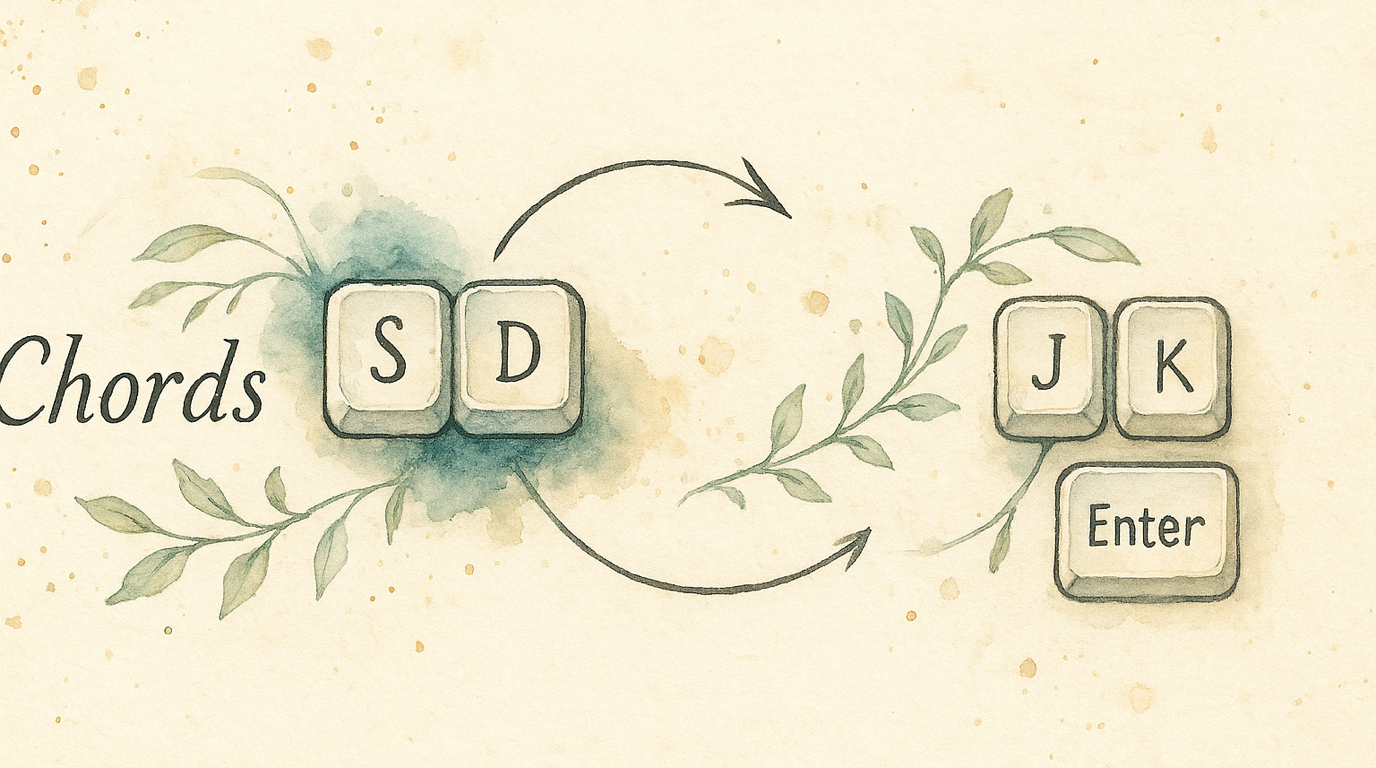
Reaching for Escape, Backspace, or Enter means leaving the home row. Chords let you press two adjacent keys simultaneously to produce any of these — no reaching required. Press S and D together for Escape. Press J and K for Enter. Your fingers barely move.
This technique was popularized by Ben Vallack for ultra-efficient home-row-centric typing on small keyboards, but it works just as well on a full-size board.
Quick Start
- Open KeyPath and click the gear icon to open the inspector panel
- Go to the Rules tab
- Find Chord Groups and toggle it on
- Choose Load Ben Vallack Preset for a ready-made starting point, or Create Custom to build your own
The preset gives you:
S + D→ EscapeD + F→ EnterJ + K→ Up ArrowK + L→ Down ArrowA + S→ Backspace

How Chords Work
A chord detects when you press two (or more) keys within a short time window — the timeout. If both keys land within that window, the chord fires. If only one key lands, it types normally.
  Press S alone → types "s"
  Press D alone → types "d"
  Press S + D together (within 250ms) → fires Escape
Order doesn’t matter — pressing S then D, or D then S, both trigger the same chord as long as they’re within the timeout window.
The Chord Editor
Click Open Full Editor to configure your chords in detail:
Left sidebar — Your chord groups (you can have multiple groups organized by purpose)
Right panel — The selected group’s settings:
- Group name — identifier (letters, numbers, hyphens only)
- Category — Navigation, Editing, Symbols, Modifiers, or Custom
- Timeout — how quickly both keys must be pressed
- Chord list — each chord showing its keys, output, and an ergonomic score
Speed presets
| Preset | Timeout | Best for |
|---|---|---|
| Lightning | 150ms | Experts with precise timing |
| Fast | 250ms | Most users (Ben Vallack’s preference) |
| Moderate | 400ms | Learning chords |
| Deliberate | 600ms | Easiest to trigger reliably |
Start with Fast (250ms) and adjust once you develop muscle memory.
Choosing Good Chord Keys
Not all key pairs are equally comfortable. KeyPath shows an ergonomic score for each chord:
- Excellent — Adjacent home row keys (S+D, D+F, J+K, K+L). Easiest to press together.
- Good — Same hand, all home row (e.g., S+F)
- Moderate — Same hand, mixed rows
- Fair — Cross-hand combinations
- Poor — Awkward stretches
Stick to adjacent home row pairs for your most-used chords.
Organizing with Groups
Chord groups let you organize chords by purpose and set different timeouts per group:
- Navigation (250ms) — arrows, page up/down, home/end
- Editing (400ms) — backspace, delete, cut, undo
- Symbols (150ms) — quick symbol access
- Modifiers (600ms) — deliberate modifier combos
Each group generates its own detection window, so navigation chords can be fast while editing chords give you more time.
Conflict Detection
KeyPath warns you when:
- The same key pair is used in multiple chords (within a group)
- A chord’s keys overlap with another chord (e.g.,
S+DandS+D+F— the two-key chord always fires first) - Keys are shared across groups (the first group in the list takes priority)
Orange warning indicators appear in the editor when conflicts are detected.
Tips
- Start small — Begin with 2–3 chords for your most common reaches (Escape, Enter, Backspace) and add more as they become automatic
- Adjacent keys win — S+D, D+F, J+K are the easiest combos because your fingers are already there
- Don’t chord letters — Avoid mapping common bigrams (like T+H, I+N) as chords — they’ll misfire during fast typing
- Combine with home row mods — Chords and home row mods complement each other: HRM gives you modifiers, chords give you editing keys
Troubleshooting
Chord fires when I’m just typing fast
Lower the timeout (try 150ms), or choose key pairs that aren’t common bigrams in English.
Chord doesn’t fire reliably
Increase the timeout (try 400ms), or practice pressing both keys more simultaneously.
Individual keys feel delayed
This is the tradeoff: the engine waits the timeout duration to see if a second key arrives. Shorter timeouts reduce the delay but require more precise timing. 250ms is the sweet spot for most users.
Next Steps
- Shortcuts Without Reaching — Combine chords with home row modifiers for a complete home-row setup
- One Key, Multiple Actions — Tap-hold for keys that need two roles
- What You Can Build — See chords as part of a full keyboard workflow
- Keyboard Concepts — Background on layers and dual-role keys
- Back to Docs
External resources
- Ben Vallack’s chord workflow — The popularizer of home-row chords, with practical demos ↗
- Kanata defchords documentation — Full reference for the chord engine ↗